Student Life
Canvas at A-State: How to Log In Through Pack Portal
Canvas is Arkansas State University’s official learning management system. Students reach it through Pack Portal (pack.astate.edu) with their full A-State email. How to log in, and what to do when it fails.
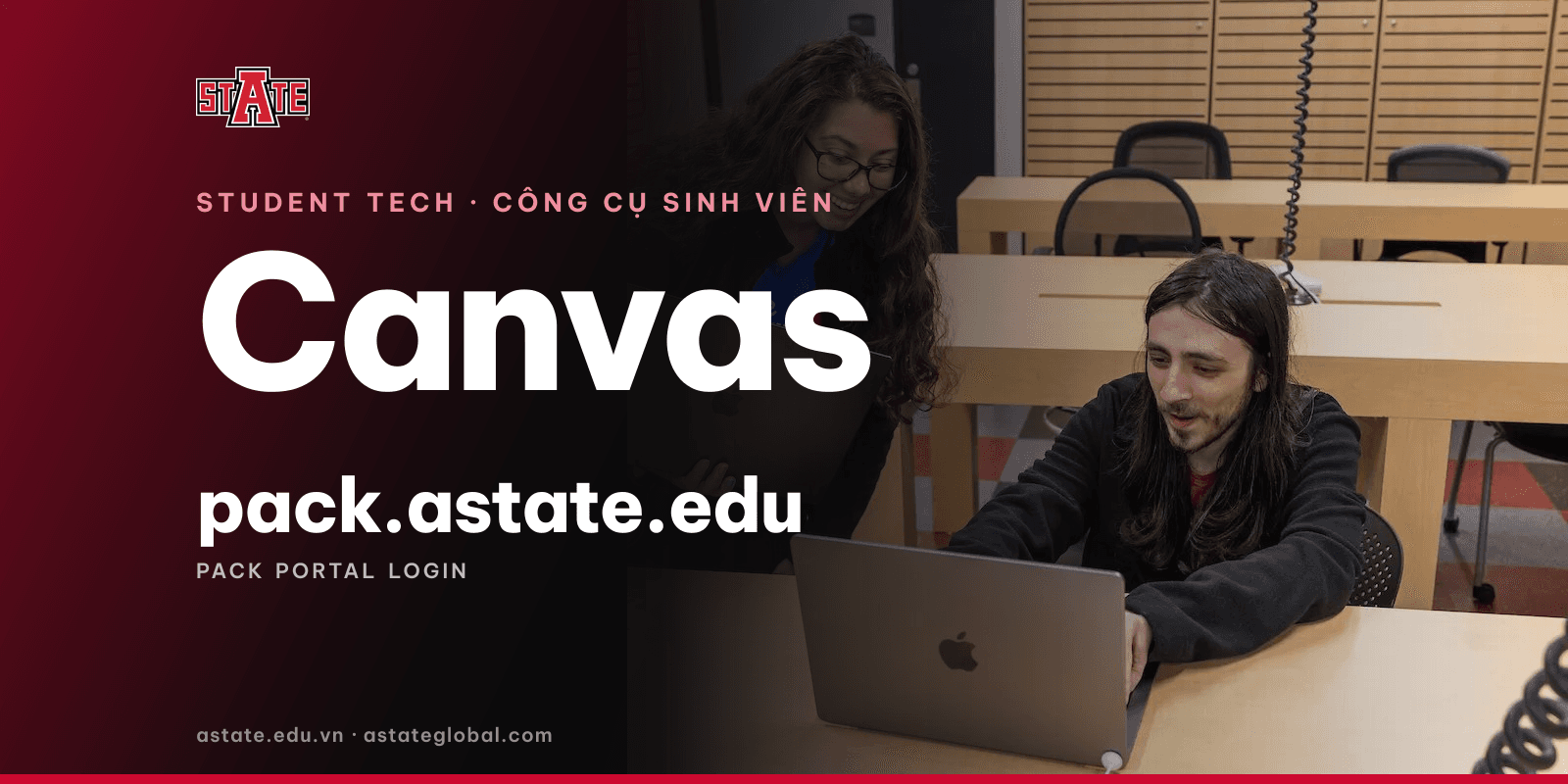
The short answer: Canvas is Arkansas State University’s official learning management system (LMS), where instructors post lectures, assignments, grades and announcements for each class. Students reach Canvas through Pack Portal at pack.astate.edu (my.astate.edu redirects there), signing in with their full A-State email address and A-State password.
Logging in to Canvas, step by step
- Go to pack.astate.edu and select Sign in at the top right.
- Enter your full A-State email address (including everything after the @) and your A-State password.
- Approve the sign-in in your two-factor app (Duo) if prompted.
- In the portal, select the Canvas icon to open your classes.
Canvas works best on a computer using Chrome or Firefox, with JavaScript and pop-ups enabled.
What Pack Portal is, and who can use it
Pack Portal is A-State’s student portal, bringing tools such as Canvas, email and university resources into one place. Access is for active students: anyone who has registered for at least one class in the past year, or who has been admitted for a current or future term. Admitted students can therefore sign in before they arrive in the US.
If you can’t log in
- Page errors or a blank screen: clear your browser cookies and cache and try again; this fixes most problems.
- Pack Portal shows a configuration error: email PackPortal@AState.edu.
- Forgotten password, locked account, missing classes: contact the ITS Help Desk at itshelpdesk@AState.edu or 870-972-3933, in Dean B. Ellis Library, Room 149.
Classes usually appear in Canvas once you have registered and the term is close to starting; see the 2026–27 academic calendar.
For new international students
Canvas is one of several things to sort out in your first week in Jonesboro, along with housing, a bank account and essentials. See getting to Jonesboro and student support services.
Sources: A-State ITS Knowledge Base and the Pack Portal service page, accessed 14 November 2026.
Next step
Starting at A-State soon and want everything ready before you fly? Book a free one-to-one consultation with the A-State Vietnam Office, or call / message us on Zalo at +84 97 586 1994. The office is run by VNIS Vietnam as an Authorized Recruiter for Arkansas State University.